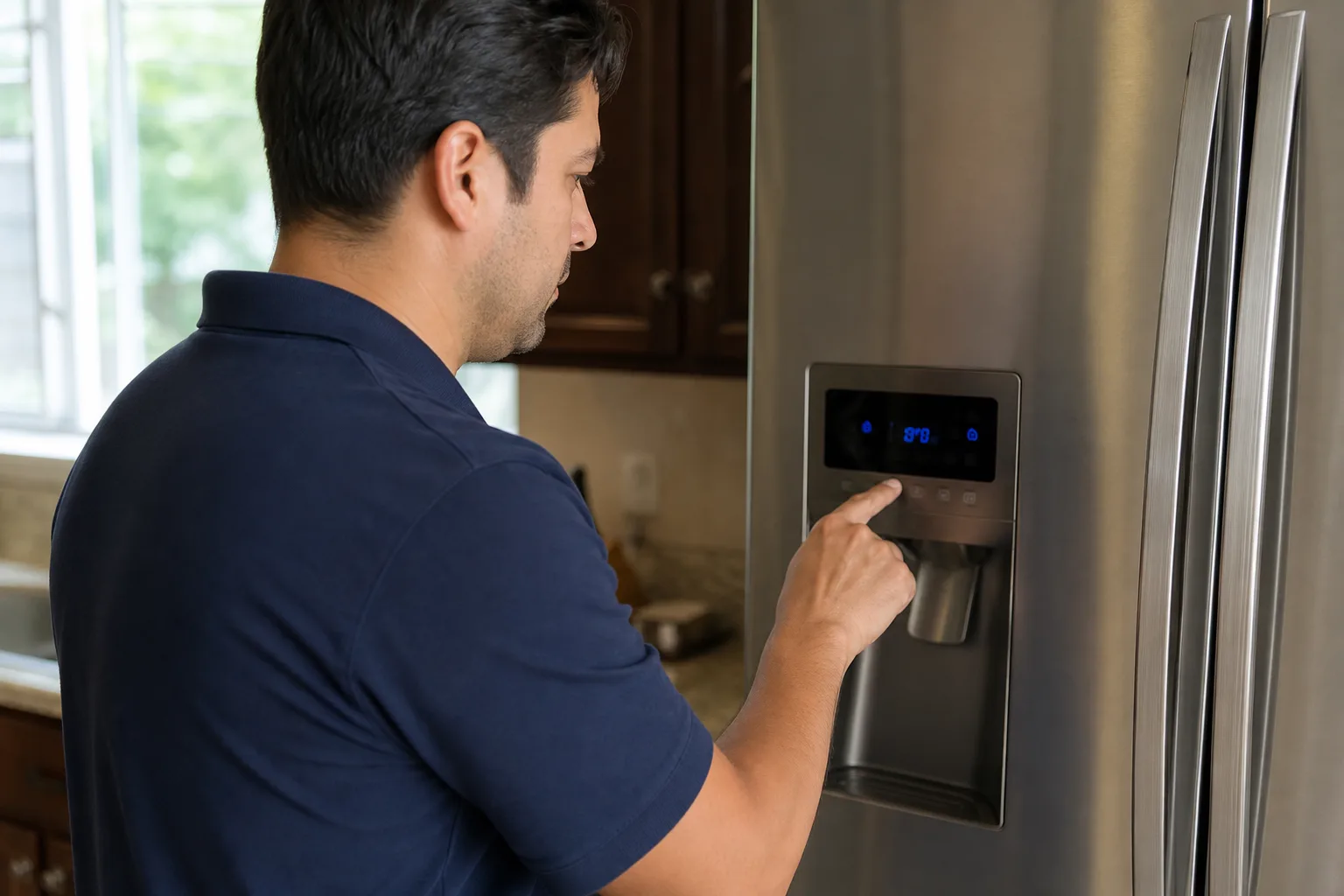
Quick Answer
To reset a Samsung refrigerator, hold Power Freeze and Power Cool together for 5–8 seconds until the display flashes. If the fault stays, unplug the fridge or switch off its breaker for a full 5 minutes. For ice problems only, hold the reset button on the ice maker until it chimes.
A Samsung refrigerator is a computer with a cold box attached. The panel, sensors, ice maker and fan motors all report to one control board, and that board sometimes latches onto a bad reading. A reset clears its short-term memory.
There are three resets and they escalate. Work through them in order — no need to cut power to a full fridge if a button hold does the job.
Before You Reset: 60 Seconds of Checks
- Is a mode switched on? Demo mode (Shop or Cooling Off) leaves the display working while the fridge never cools; many models show OF OF. That is a setting, not a fault.
- Is the door closing? A door left ajar, or a gasket holding a crumb of food, throws temperature alarms that look electronic.
The Three Samsung Refrigerator Resets
1 Control Panel Reset DIY
The soft reset. It reboots the display and control logic without cutting power to the cooling system.
How to do it: Hold Power Freeze and Power Cool together for 5–8 seconds. The display flashes or beeps, then relights with your saved temperatures. On models without those buttons, use Fridge and Freezer; on some older panels, Energy Saver and Lighting.
What it fixes: A frozen display, dead buttons, a temperature stuck at an impossible value, and codes left over from a power flicker.
2 Ice Maker Reset DIY
The ice maker has its own controller and can stall on its own. Reset it separately.
How to do it: Slide the ice bin out. On most French door models a small Reset button sits on the underside or right-hand edge of the ice maker housing; some generations label it Test. Hold it for 3–5 seconds until it chimes, then step back — the tray runs a test cycle and refills.
Then wait. First ice arrives in 6–12 hours, not immediately.
Can't find the button? Samsung moved it between model generations, and on some units it hides behind a cover panel. Do not pry at the housing — check your manual, or skip to the full power reset below, which resets the ice maker too.
3 Full Power Reset DIY
The hard reset — for when the panel reset did not stick.
How to do it: Unplug the refrigerator, or switch off its breaker, for a full 5 minutes with the doors closed. Then restore power.
Why five minutes: The board holds residual charge after power is cut. Plug it back in after 30 seconds and it wakes in the same state, same code on screen.
What it fixes: A fridge stuck on an old error code, a panel that ignores every button, and cooling that stopped after an outage.
Expect this: Most models return to factory defaults, typically 3°C and −18°C. Set your preferences again.
After the Reset — What to Confirm
When a Reset Actually Helps
Resets fix software problems — the right tool when the hardware is fine and the board is stuck:
- After a power outage or surge. Brownouts leave boards in odd half-states — the most common reason a reset works.
- An error code with no matching symptom. The display complains, but food is cold.
- Unresponsive buttons or a frozen display.
- An ice maker that stalled but is not iced over.
When a Reset Won't Fix It
The pattern worth learning: if the fault returns within a day, the reset fixed nothing. It cleared a warning while the failing part kept failing. Resetting every morning is not maintenance — it is muting a smoke alarm.
| What You're Seeing | Will a Reset Help? | What It Usually Points To |
|---|---|---|
| Error code after a power flicker | Yes | Stored fault state on the control board |
| Same code returns within 24 hours | No | A failing sensor, fan motor or the board itself |
| Fridge warm, freezer fine | No | Evaporator fan motor or defrost heater fault |
| No water at the dispenser | Sometimes | Water inlet valve or a frozen line |
| Buzzing, rattling or clicking noise | No | A fan motor or start relay — mechanical, not software |
Anything in the "No" rows is a physical part misbehaving, and rebooting changes nothing — a certified technician measures the sensors and motors directly. Repairs typically run $150–$350.
$89 Diagnostic — Waived with Repair. If the reset did not hold, we find the real cause. $40 OFF any repair, limited time. Book online or call (437) 747-6737.
Frequently Asked Questions
Start with the control panel reset: hold Power Freeze and Power Cool together for 5 to 8 seconds until the display flashes. If the fault is still there, unplug the fridge or switch off its breaker for 5 minutes. That second step clears the control board memory and handles most stuck error codes.
On most Samsung French door models it is a small button on the underside or right-hand edge of the ice maker housing, reachable once you slide the ice bin out. Some generations label it Test instead of Reset. The spot moves between model years, so check your manual if nothing is visible.
Five minutes. Anything shorter can leave residual charge in the board, so it keeps the same stored state and the fault comes straight back. Keep the doors shut while the power is off and the food stays safe for far longer than that.
A control panel reset keeps your settings. A full power reset returns most models to factory defaults, usually 3 degrees Celsius in the fridge and minus 18 in the freezer. Check the display once power is back and set your temperatures again.
A code that returns within a day is a real fault, not a glitch. The reset cleared the message but the part triggering it is still failing, and repeated resets only hide the warning while the problem grows. Write down the exact code and book a diagnosis.
The app can restart the network connection and re-pair the fridge, which fixes controls that are unresponsive in the app but fine on the door panel. It cannot perform the hardware level reset. For a stuck code or dead display you still need the button reset or the 5 minute power cut.